Issue
Even with the dongle inserted, Mech-Viz, Mech-Vision (version 1.x.x), and Mech-DLK (versions earlier than 2.6) cannot start normally.
Cause
A Windows security update (KB5077181) released by Microsoft on February 11 causes the dongle driver to malfunction.
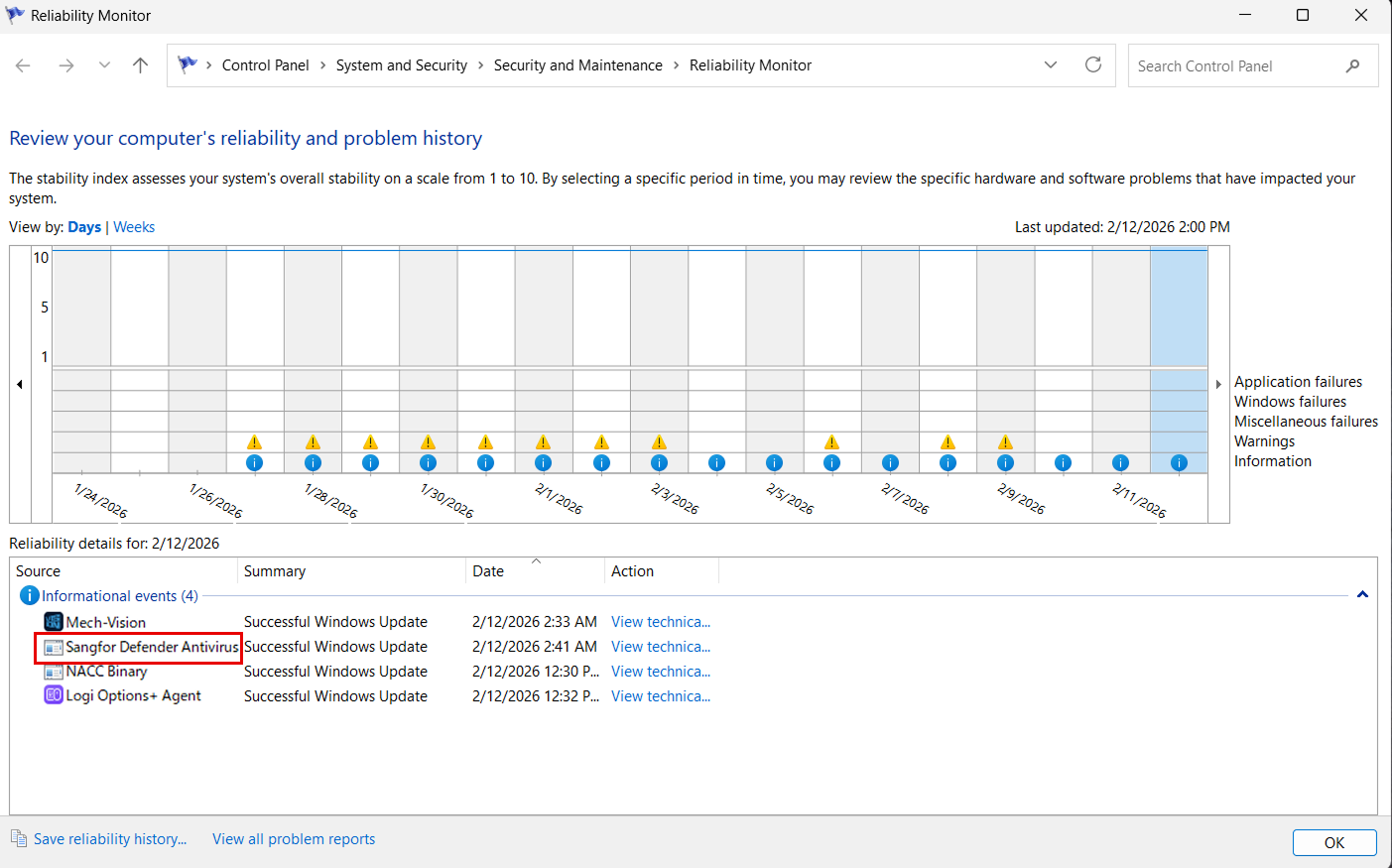
In the Reliability Monitor, you may find records related to programs such as Sangfor Defender Antivirus Service and Microsoft Defender Antivirus, as shown in the figure below.
Solution
Download the repair tool and run the script.
Download the repair tool AxRepairKB5074105.exe and the script RunAxRepairKB5074105.bat (click to download) to the software installation directory, then double-click the script RunAxRepairKB5074105.bat to run it.
After running the repair tool, the software can be opened normally without restarting the computer.
 Note: How to open Reliability Monitor
-
Method 1:
Open Control Panel (Windows key + X > Control Panel) → System and Security → Security and Maintenance → Maintenance → View reliability history. -
Method 2:
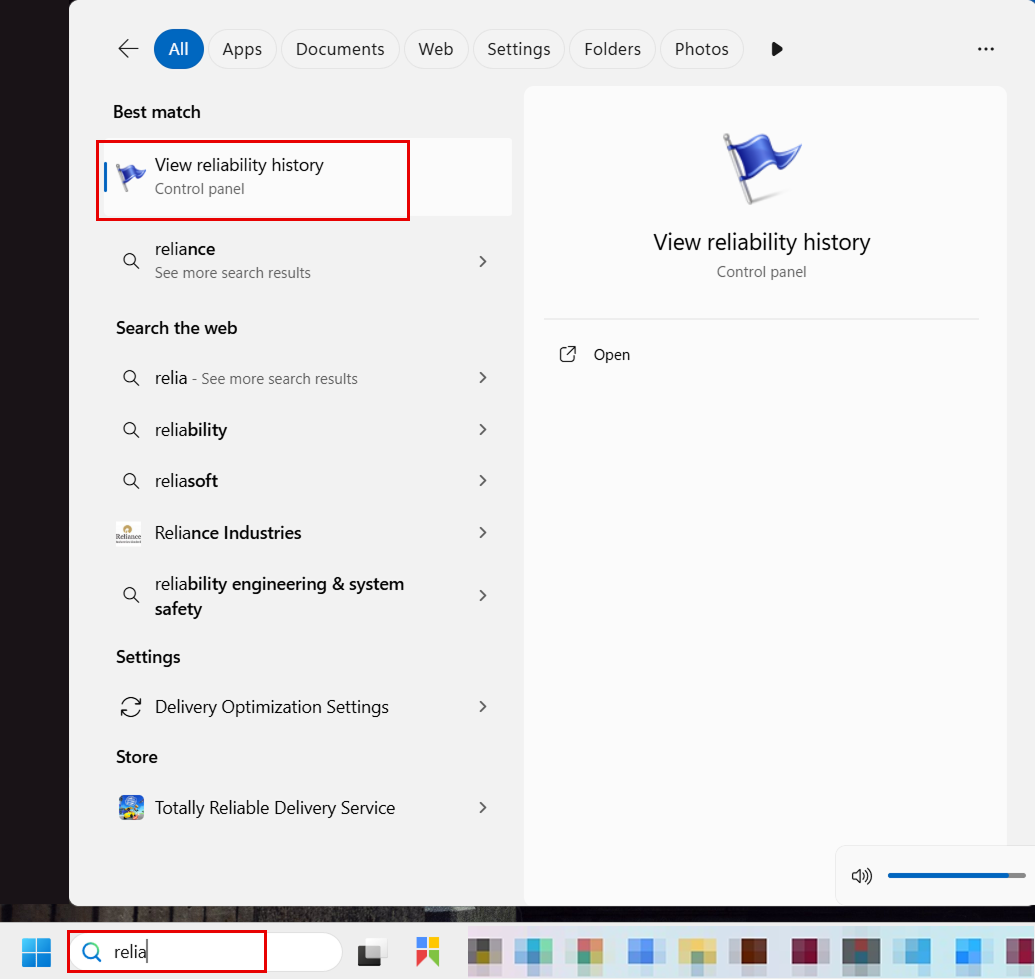
In the Start menu search box, type reliab, then click View reliability history, as shown in the figure.