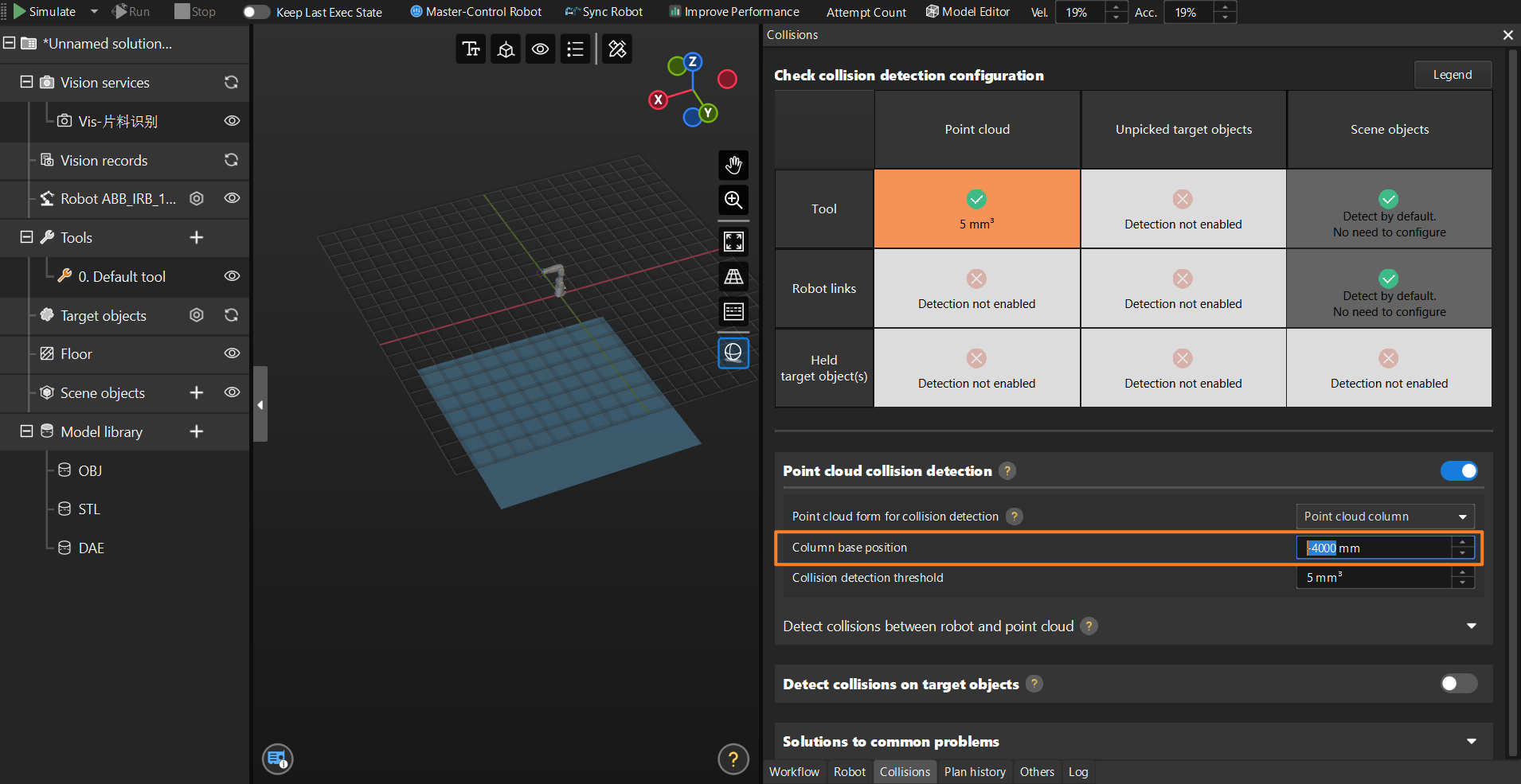
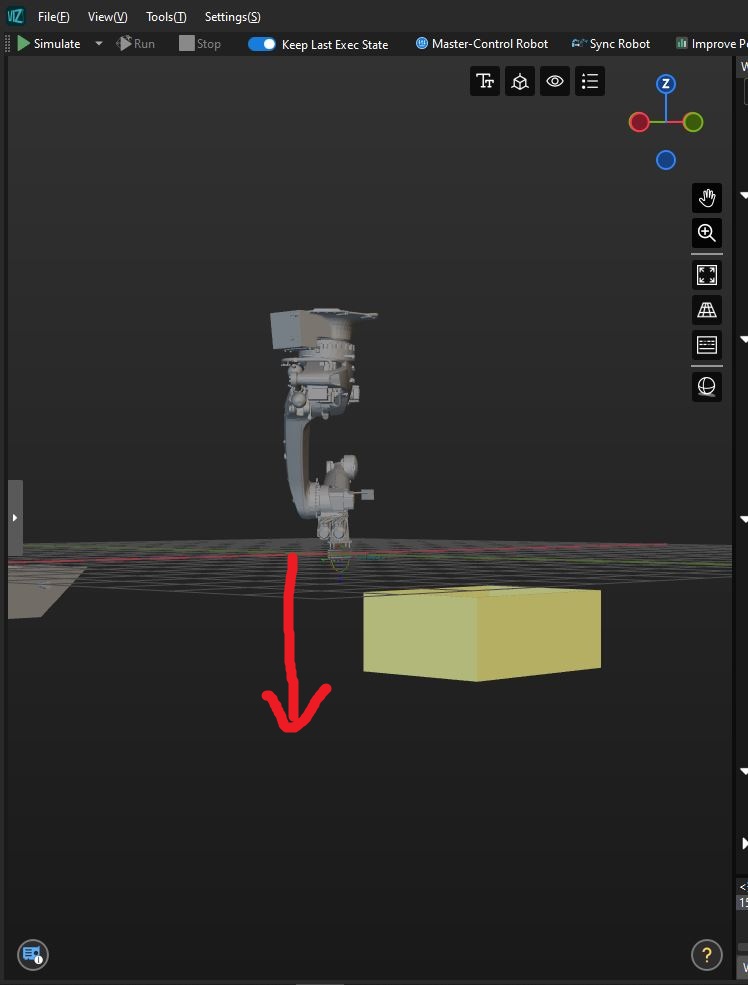
I use a ceiling robot to work with path planning. It is located high enough relative to the floor level, about 4 meters above the ground =.How can I lower the floor in the Mech-Viz program by more than 2 meters, which are available initially. I need to lower the floor level by about 4-5 meters.
1 photo as the gender is set initially. 2 photos I lowered the floor by 2 meters, but I need more
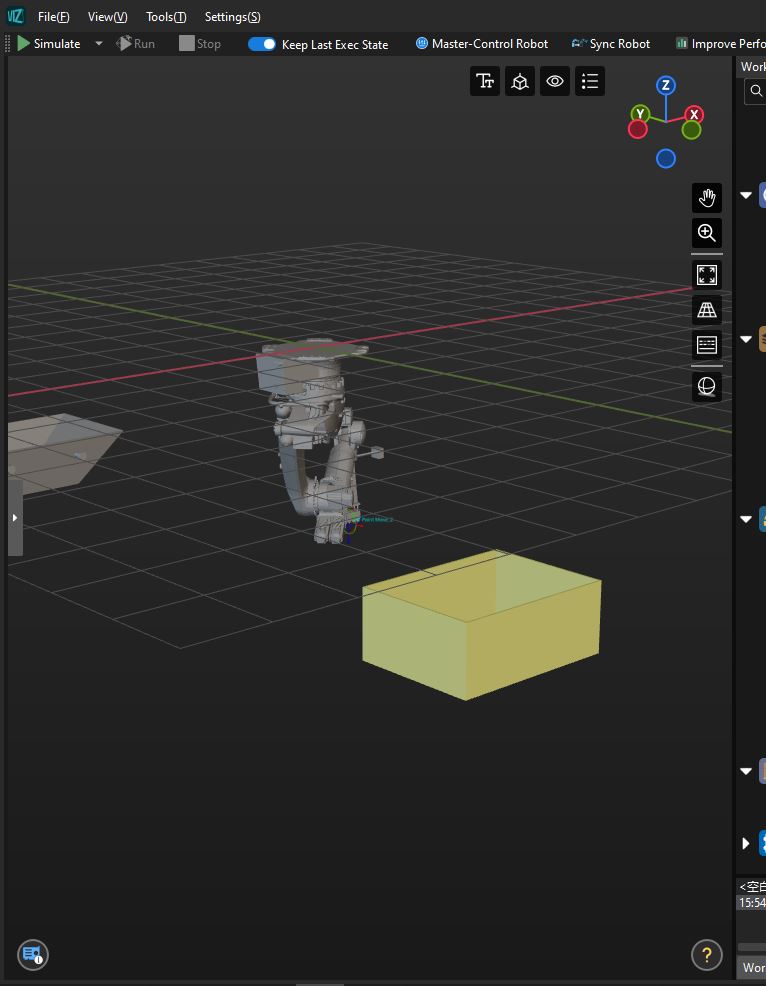
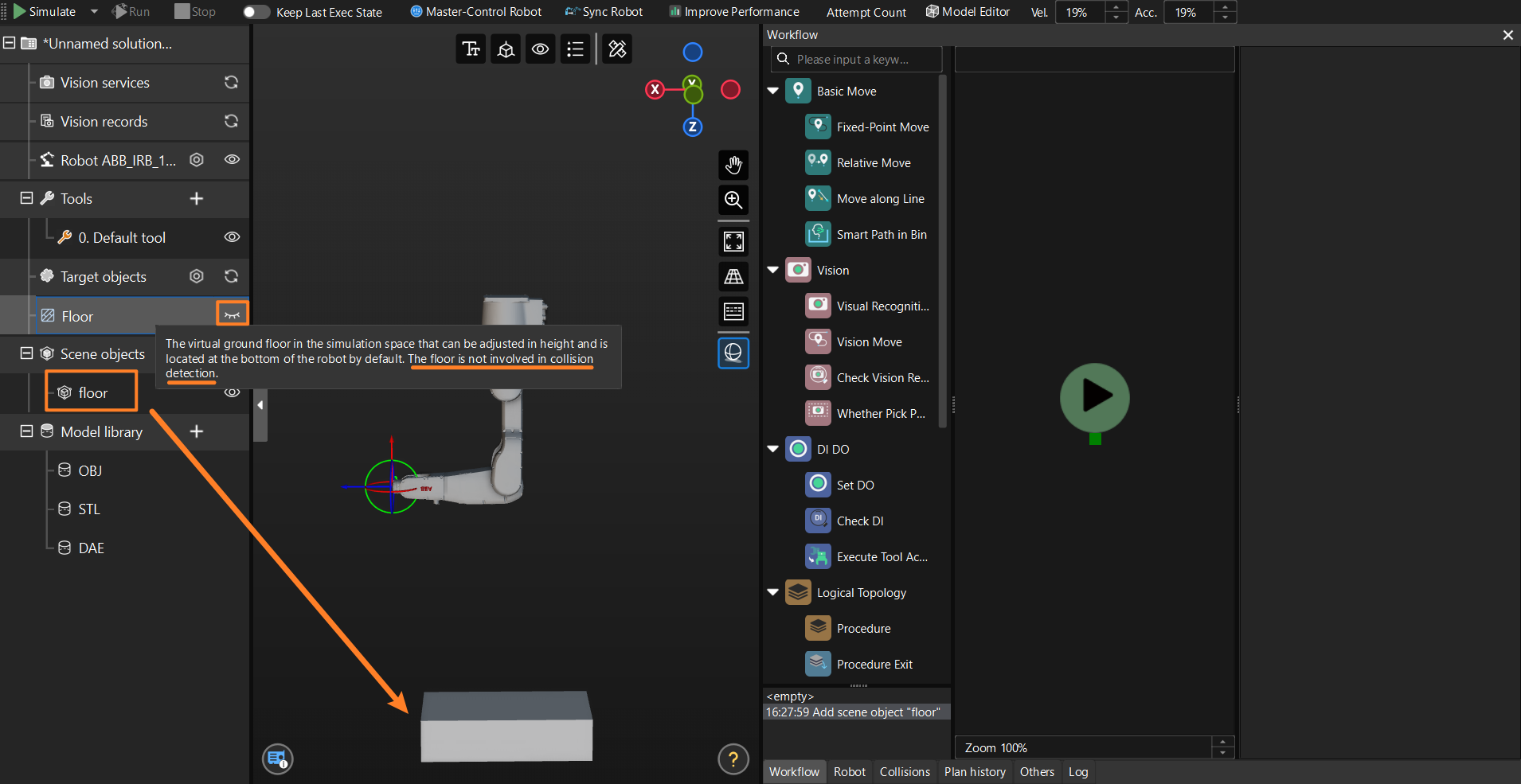
The floor’s height is fixed within the range of -2m to 2m and cannot be changed easily.
As a workaround, you can hide the default floor and use a scene object (such as a cuboid) as a replacement floor.
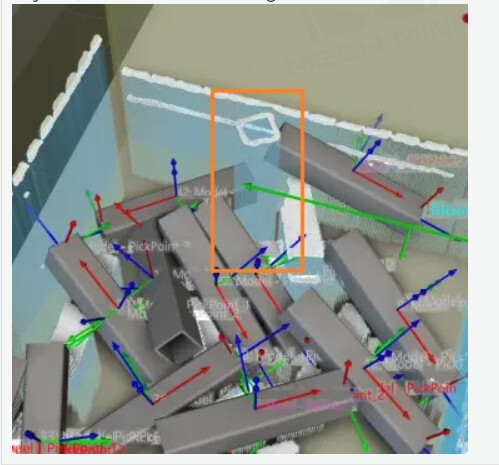
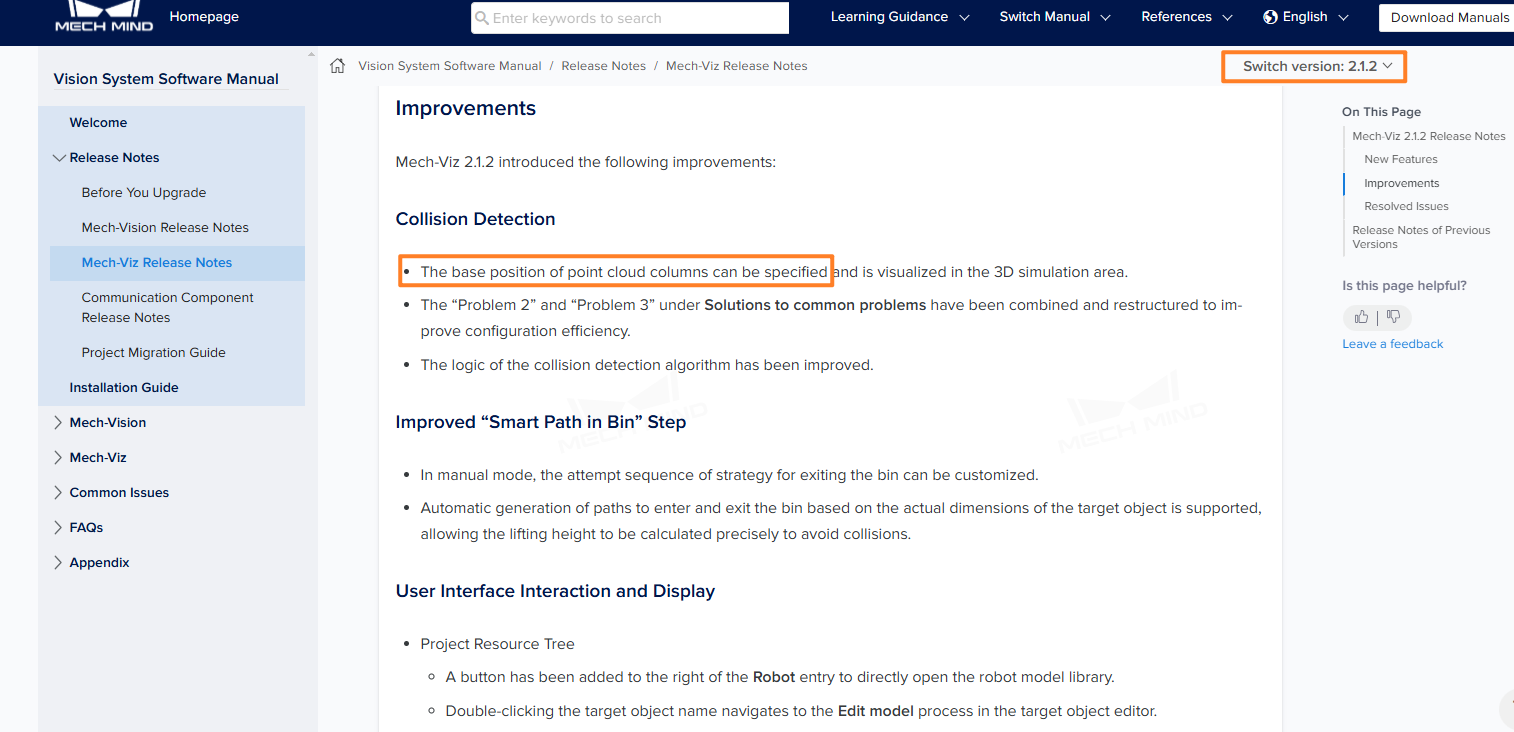
As far as I understand, the point cloud column parameter in collision detection works in such a way that it extends the length of the points down to the floor. Since I want to turn it on, I need the floor level to be lower than the found workpieces, but due to the limitation of changing the floor height to 2 meters, I can’t do that. (photo 1)
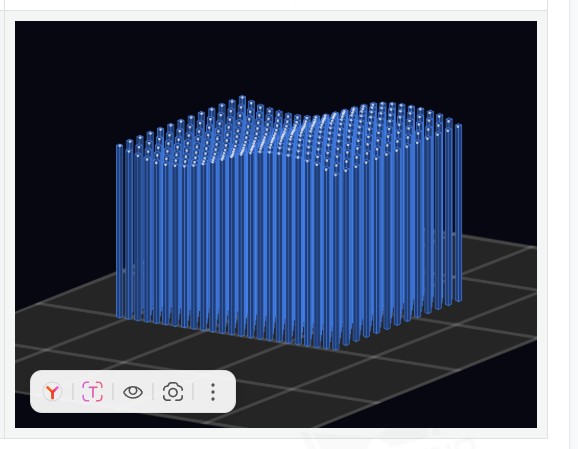
I want to enable this parameter because my robot is unloading containers with randomly positioned workpieces, and sometimes the robot determines the trajectory to the workpiece, through another one that the program could not recognize.It seems to me that this happens because the instrument passes through a cloud of points and touches fewer points than the collision detection threshold, which I set to 50 mm3. The situation is similar to photo 2